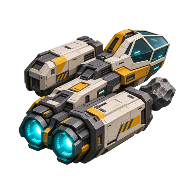
How to Defend Your Station in Main Sequence
On Aggressive, Relic attack waves can come to your station. Fit a Plasma Turret, keep a combat-capable ship within reach, and have Repair Kits ready for the aftermath. If the station goes dark during a fight, inspect its hull before replacing a fueled reactor.
Know when the station is threatened
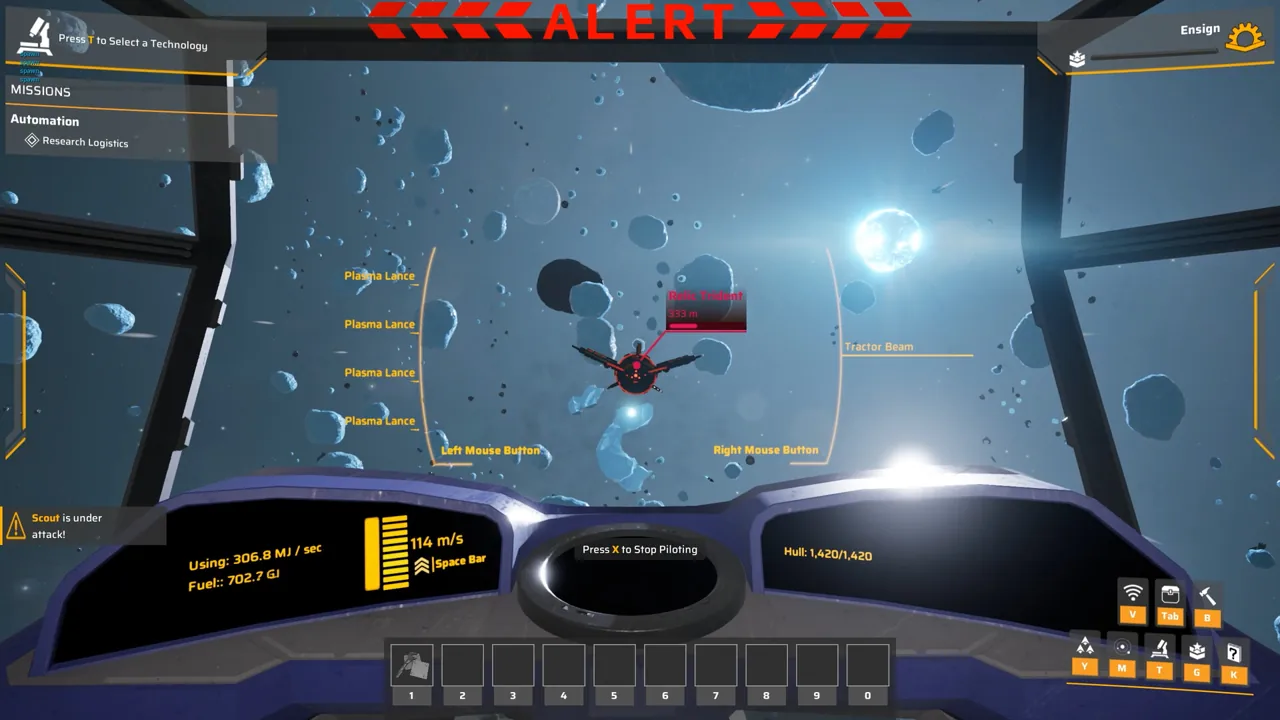
Aggressive is the setting to plan around for incoming waves. Watch for the attack alert and check which station needs you, especially if you have several outposts. One Early Access player fought a fleet at one station and then saw another fleet massing for a second. The developer fixed a bug in 0.1.0.109 that sent an alert for every ship in a wave, so the alert count alone is a poor estimate of how many waves are coming. Player’s account of two stations under threat · Patch 0.1.0.109
On Defensive, nearby targets can still draw enemy fire. Peaceful suits a world where you want to build without Relic attacks. A quiet stretch of an Aggressive save is unreliable as a countdown to the next wave. See how enemy difficulty works for the choice at world creation.
Fit the station’s Plasma Turret
Research Logistics I, then Plasma Turret. In the 0.1.0.106 tree the turret technology costs 10 Material Science. At the station’s Command Module, open the station designer and select the Plasma Turret. Budget 5 Hull Plates and 10 Capacitors per module at that build’s prices. The turret rotates and acquires targets automatically. Research tree · Station Plasma Turret specifications · Developer’s station designer overview
During an attack, watch whether the turret turns and fires as a ship approaches. Launch players reported that turrets sometimes opened fire only at close range. If a Relic is already hitting the hull while the turret is quiet, use your armed ship to intercept it. Where you first saw incoming fire is a better place to review coverage than a guessed turret radius. Player observations of turret engagement
Get a damaged station running again
At the station designer console, open Damage Report. Use Repair Kits if it offers a hull repair, then check whether a refinery with ore and a matching recipe completes a batch. In one Early Access player’s test, hull damage stopped the reactor from supplying power. Repairing the hull restored power and completed the stalled objective. If the hull is sound and production still stalls, check the station’s power supply and demand. Player’s damage and repair test