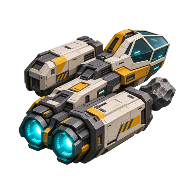
How to dock a ship in Main Sequence
From the pilot seat, approach the starter station’s dock and hold F. Once the ship settles, leave the seat and walk across to the station. That crossing confirms the connection even if the ship is empty.
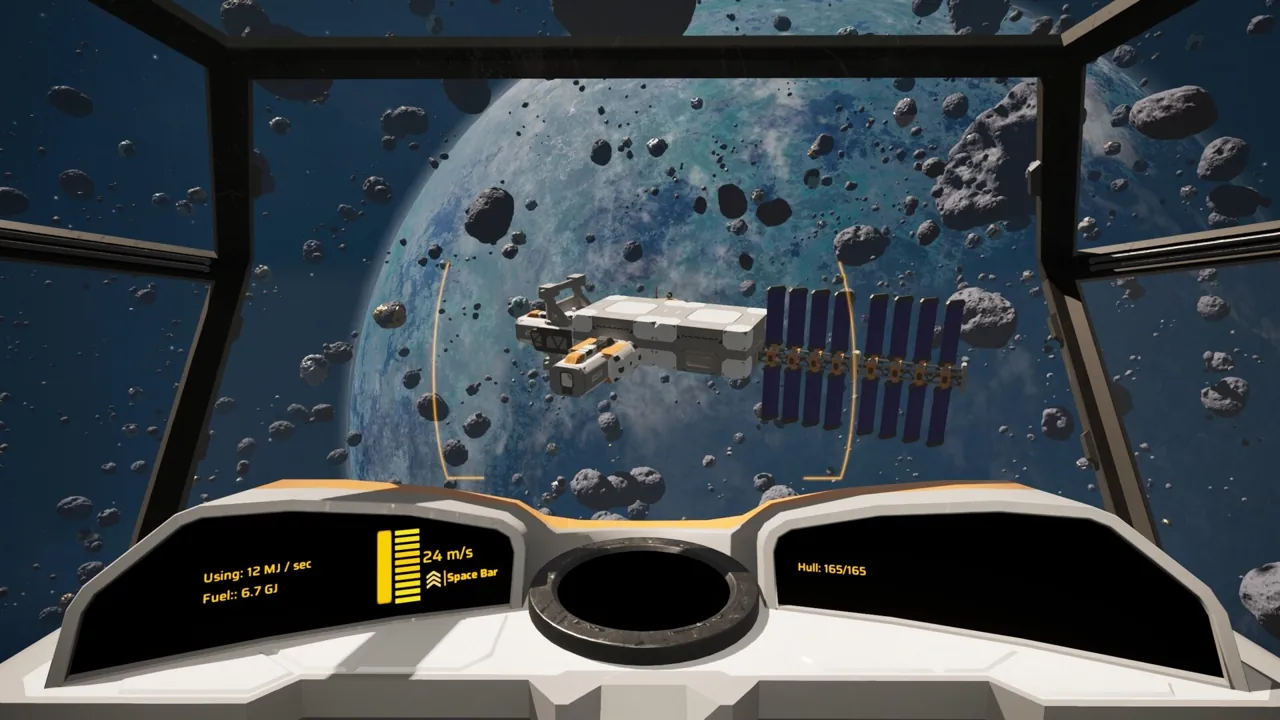
Make the first approach by hand
Use an empty berth for the first attempt. Approach in the starter ship and hold the docking control as you close in. In Surtr Plays’ Early Access run, holding F brought the ship in automatically. If you have changed your controls, use your docking binding. You can test the connection before building a single conveyor. Watch the starter ship dock at 7:29.
Send autopilot to the same berth
From the ship, open the fleet view with Y, select the ship’s autopilot, add a destination, then choose the station and its dock. Enable autopilot and watch which berth the ship approaches. Surtr selected the starter dock by name for the return trip. A one-stop trip like this lets you check the destination before adding pickup or delivery conditions to a supply route. See the destination selection at 41:38.
When a ship reaches the station but keeps bouncing
- Two ships are approaching one berth. Send one to another stop and watch the other approach alone. An Early Access player got two entangled cargo ships apart by advancing one to its next stop. Read the player’s account.
- Only one ship struggles at this dock. Try the freighter at a berth it has used before, then try a smaller ship at the troublesome berth. Jagalonia’s two-deck freighter used regular docks but bounced off an industrial dock. If the failure follows one hull-and-dock combination, inspect clearance around the docking collar before changing the hull. See Jagalonia’s comparison.
- The ship stays docked and you can cross to the station. The approach succeeded. If the hold is still full, follow the cargo from the dock port to the receiving belt and storage.